Step-by-step guide:
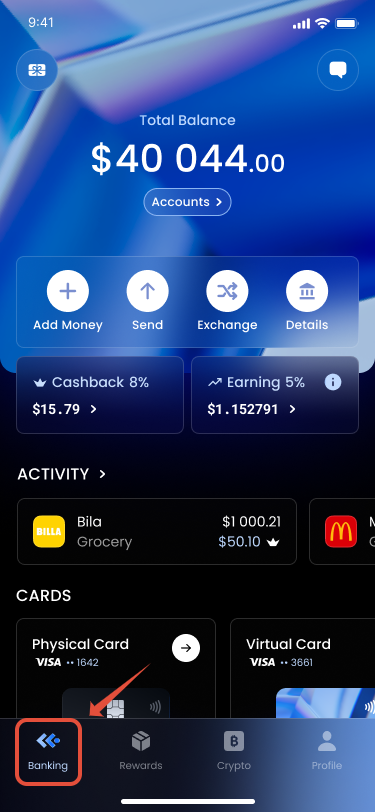
1. Open Banking tab.
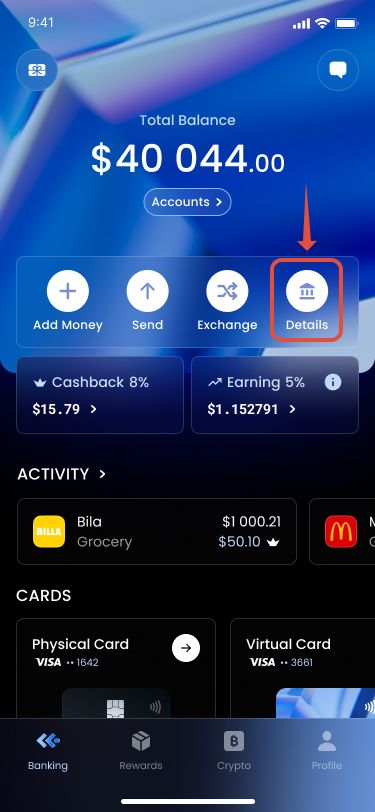
2. Tap Details.
3. View your personal bank details (IBAN, account number, etc.).
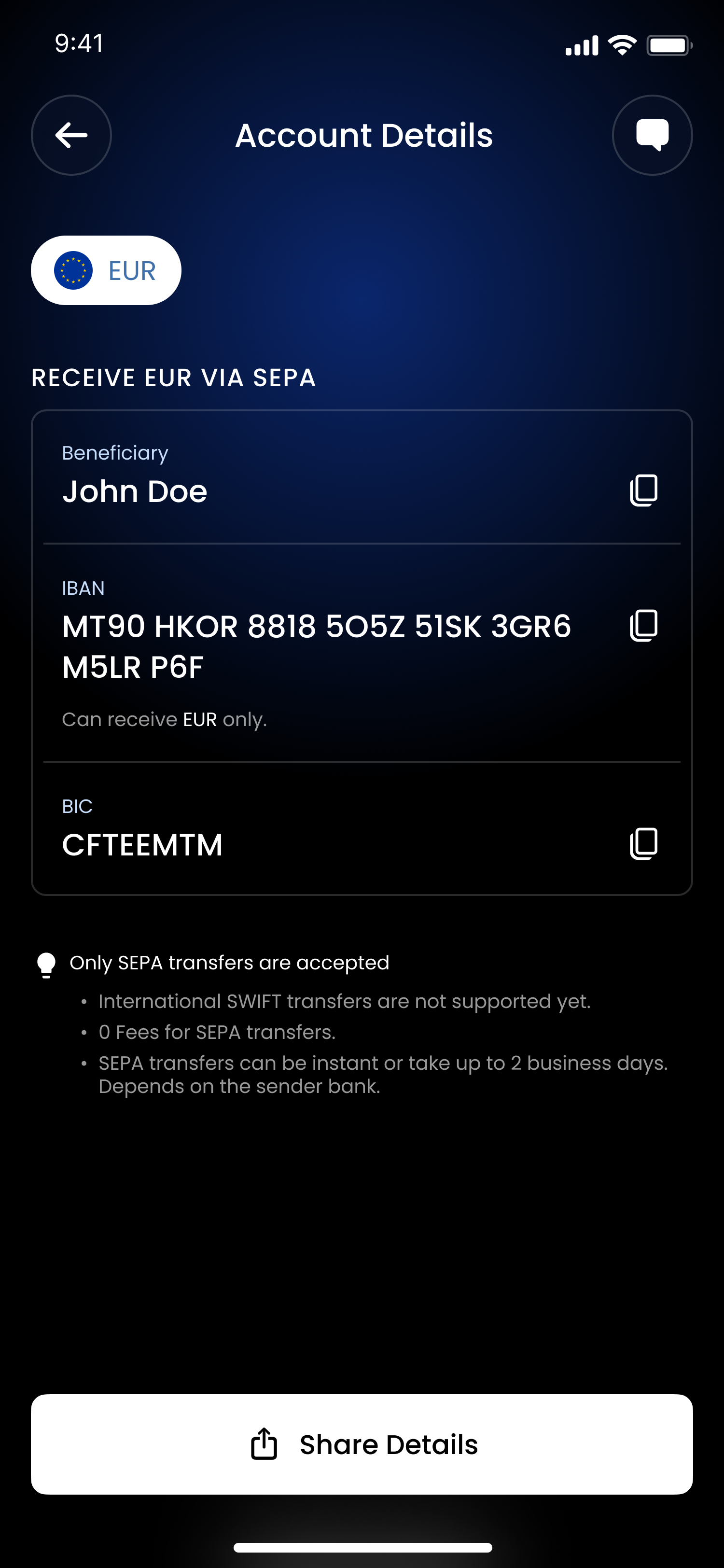
4. Share these details with the sender.
Additional Information:
- Transfers appear in your wallet once processed by partner banks.
- Processing time depends on the transfer type (SEPA vs ACH).
Was this article helpful?
That’s Great!
Thank you for your feedback
Sorry! We couldn't be helpful
Thank you for your feedback
Feedback sent
We appreciate your effort and will try to fix the article