The Exchange feature in the COCA app allows you to exchange funds between your USD and EUR balances directly from the Banking tab.
You can exchange:
USD → EUR
EUR → USD
How to exchange currencies
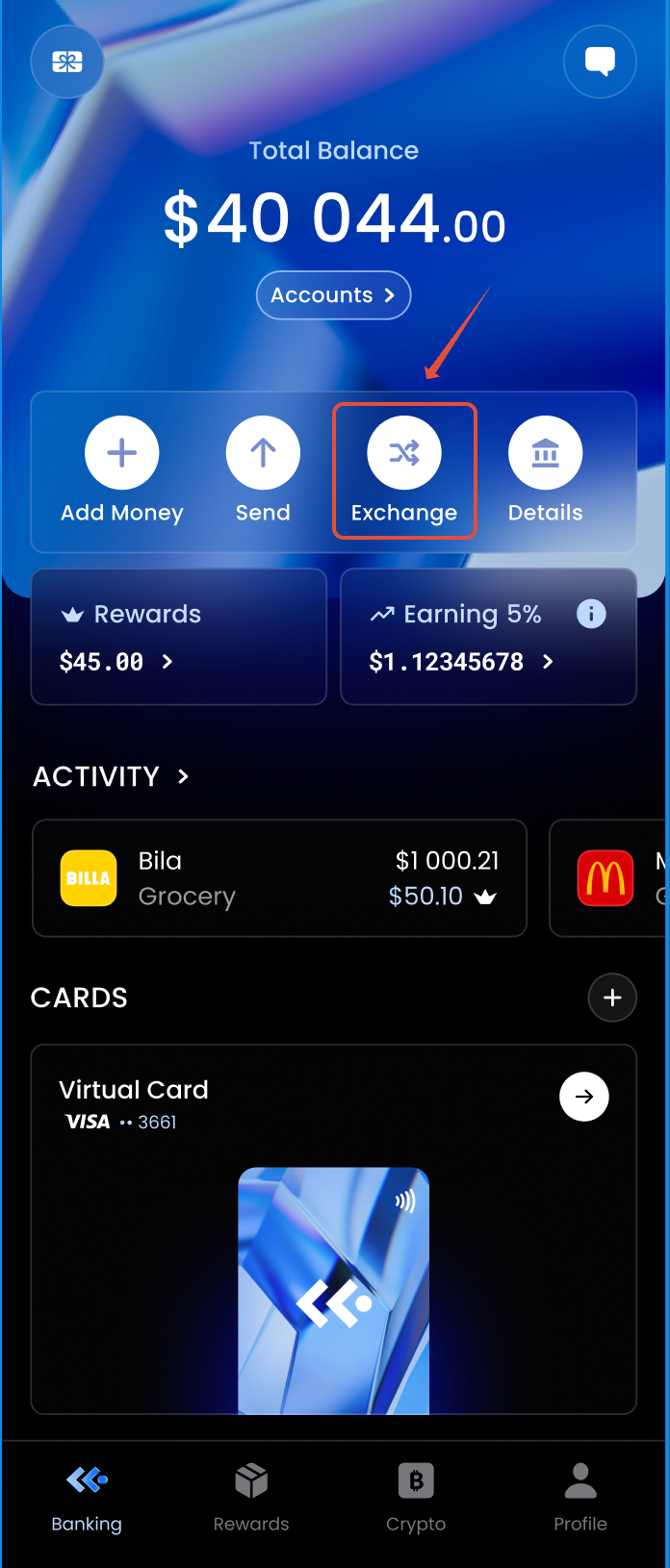
1. Press the "Exchange" button in the Banking tab.
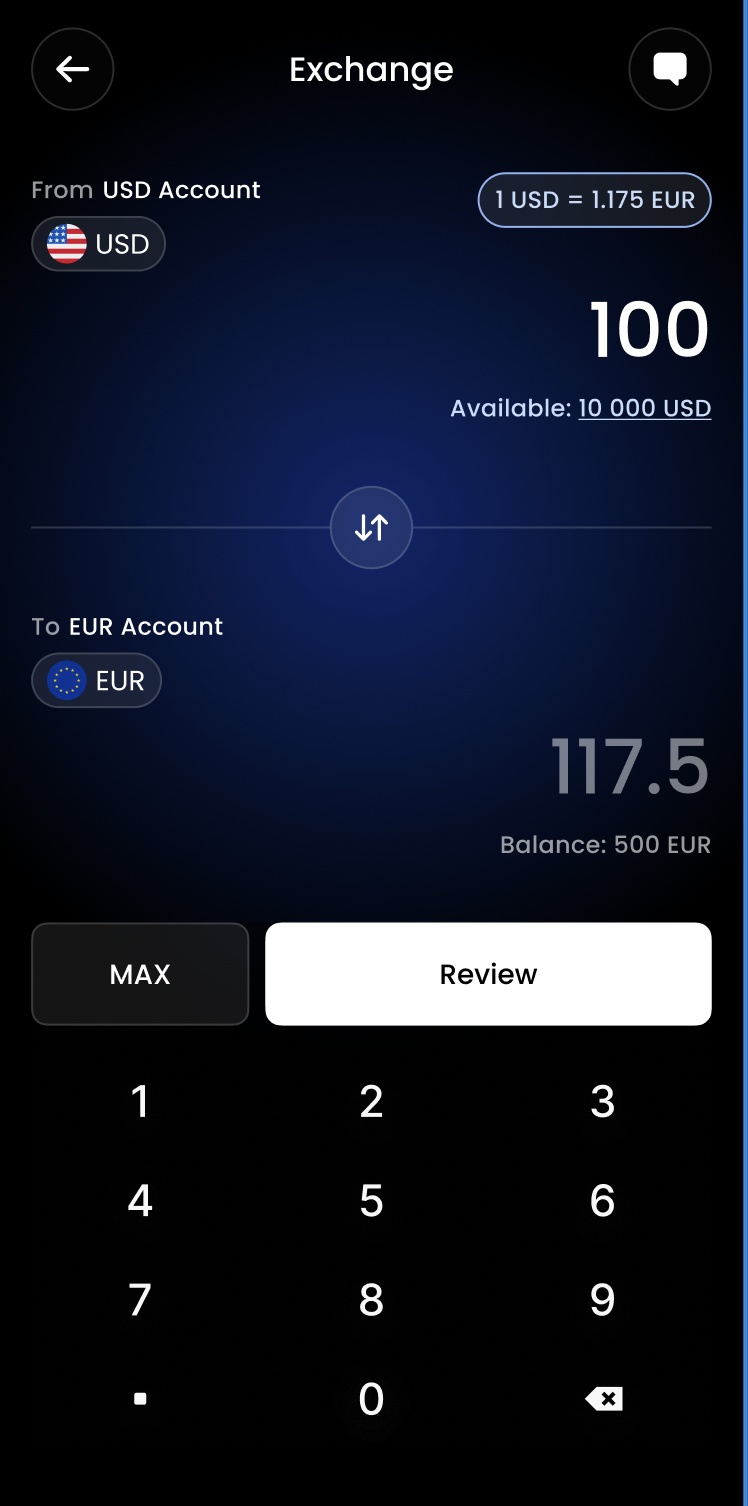
2. Choose the preferred amount and press "Review"
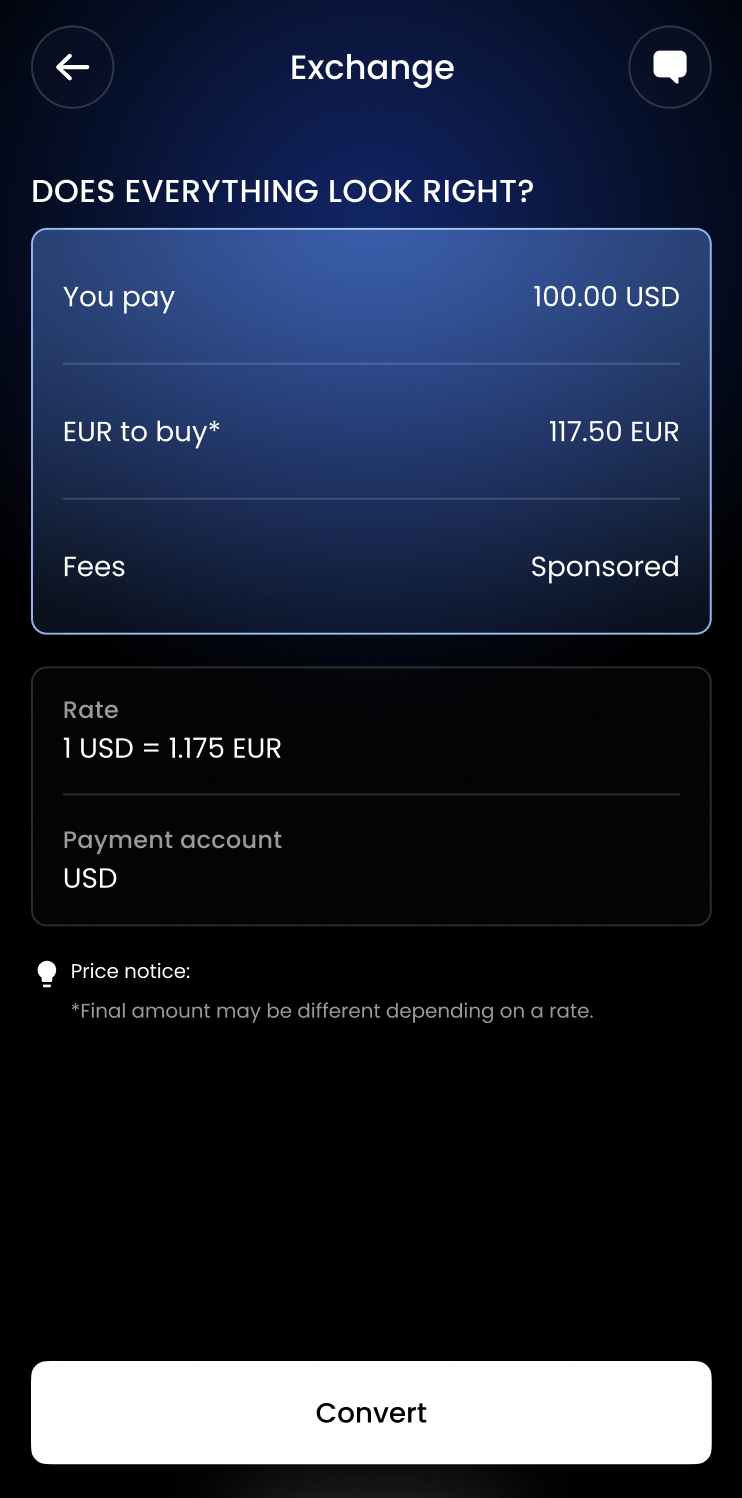
3. Check all the details and press "Convert"
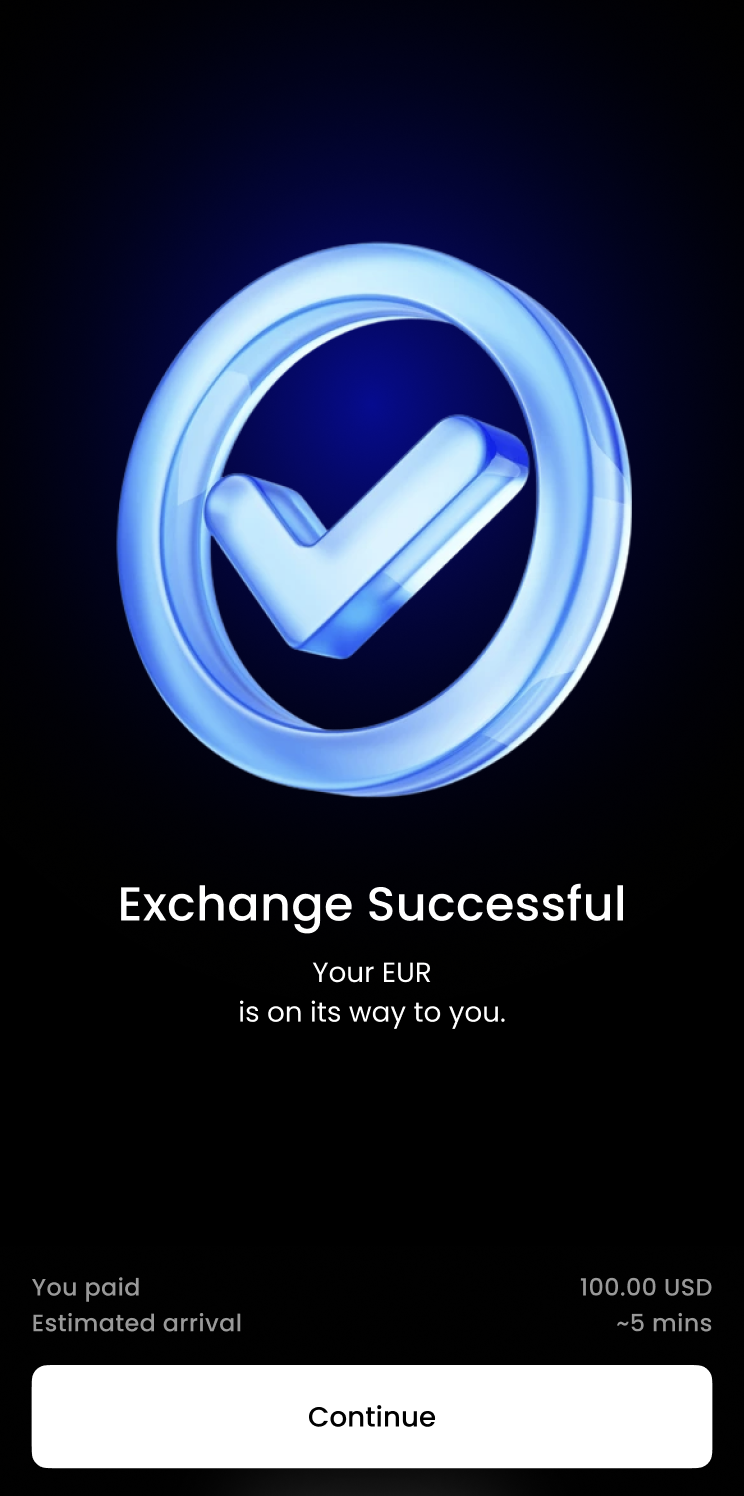
4. Your operation should now be complete.
Was this article helpful?
That’s Great!
Thank you for your feedback
Sorry! We couldn't be helpful
Thank you for your feedback
Feedback sent
We appreciate your effort and will try to fix the article