How to Send Funds via Card-to-Card Transfer
1. Launch your COCA app, head to the Banking or Cards section on your home screen, and tap Send or Transfer.
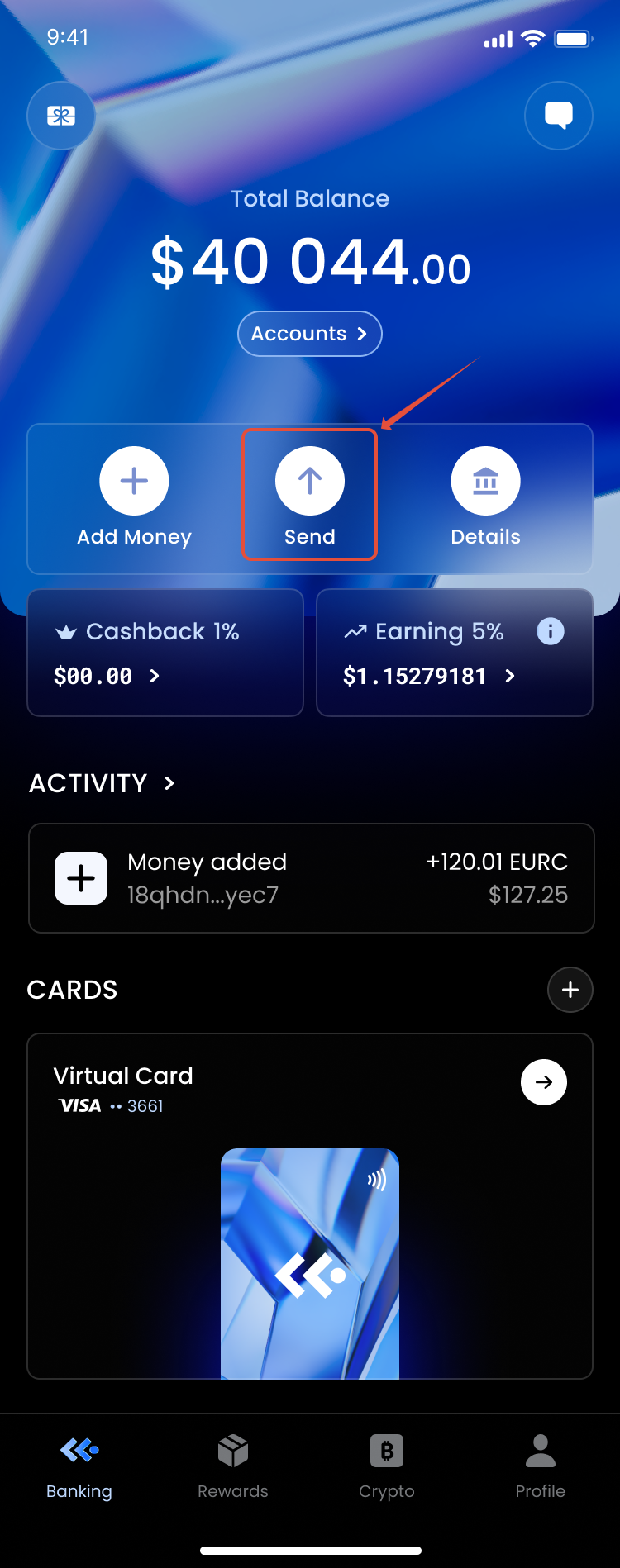 2. Choose Card-to-Card Transfer from the list of available payout options.
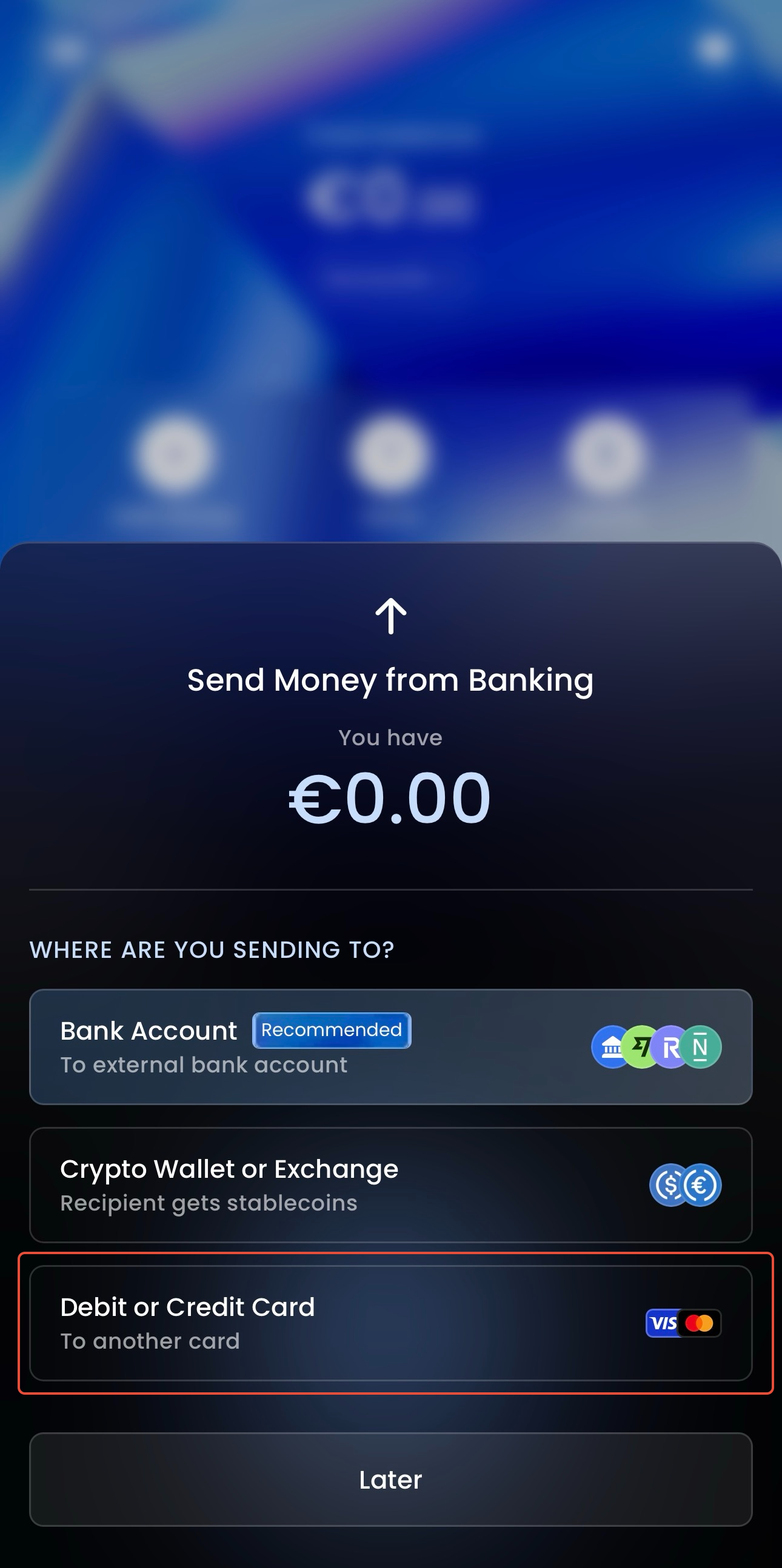 3. Input the recipient's 16-digit card number. Because this feature doesn't require traditional bank account numbers or routing details, the card number is all you need.
 4. Choose the currency and enter the amount you wish to send.
5. Review the recipient details and transaction summary, then tap Confirm. The funds will be pushed to the destination card instantly.
Supported countries:
Andorra, Austria, Australia, Belgium, Switzerland, Cyprus, Czechia, Germany, Denmark, Estonia, Spain, Finland, France, United Kingdom of Great Britain and Northern Ireland (the), Gibraltar, Greece, Hungary, Ireland, Iceland, Lithuania, Luxembourg, Latvia, Monaco, Montenegro, Malta, Norway, Poland, Portugal, Romania, Sweden, Singapore, Slovenia, Slovakia, Ukraine.
Was this article helpful?
That’s Great!
Thank you for your feedback
Sorry! We couldn't be helpful
Thank you for your feedback
Feedback sent
We appreciate your effort and will try to fix the article