Withdrawing funds from your Banking balance is a straightforward process, and you have two convenient options to choose from: crypto withdrawal and bank transfer. Below, we’ll guide you through each method step-by-step.
1. Crypto Withdrawal
This option allows you to transfer funds directly from your Banking wallet to an external crypto address. Here’s how to do it:
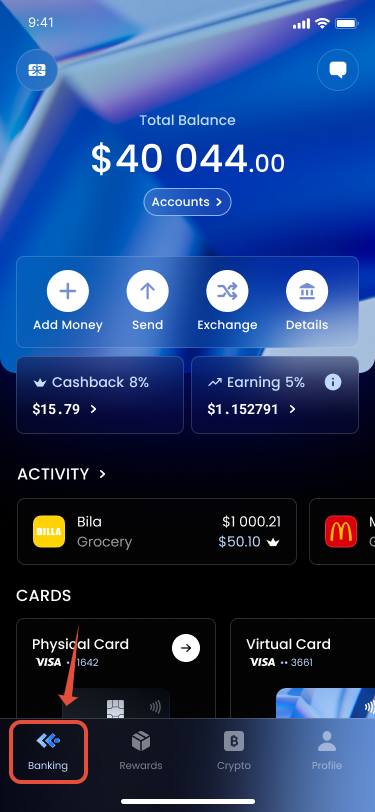
- Navigate to the Banking Tab: Log into your account and find the Banking tab on your dashboard.
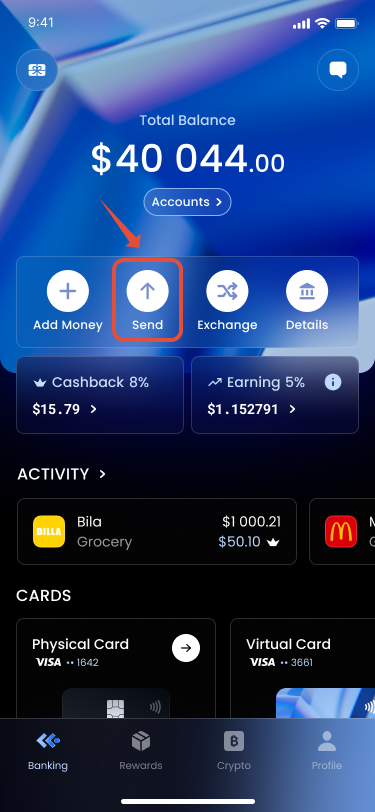
- Press "Send": Click on the "Send" button to initiate the withdrawal process.
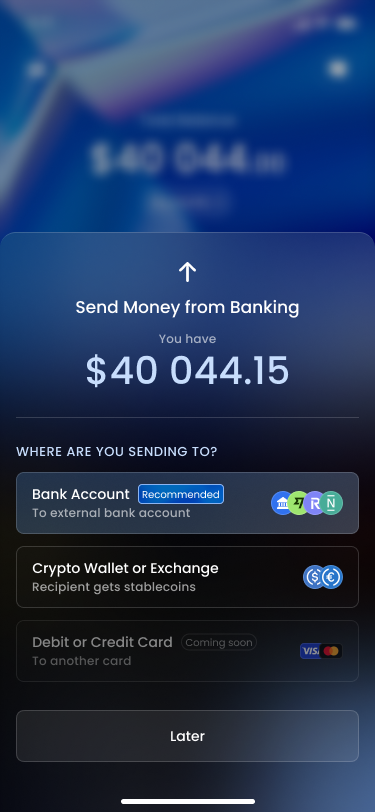
- Choose "Crypto Wallet or Exchange": Select this option to proceed with a crypto transfer.
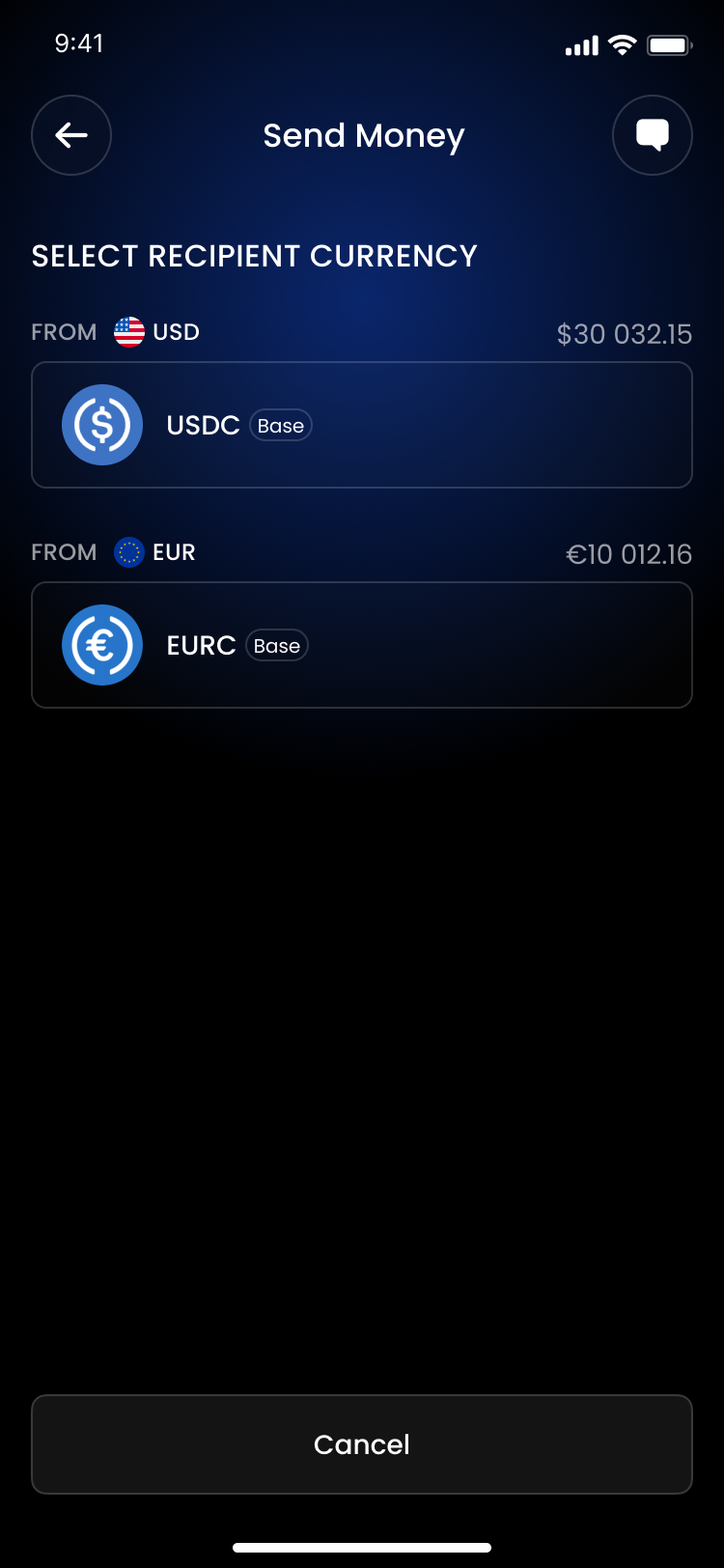
- Select Recipient Currency: Choose the cryptocurrency you wish to send.
- Fill in the Address: Enter the external crypto address where you want to send the funds. Make sure to double-check this address, as crypto transactions are irreversible.
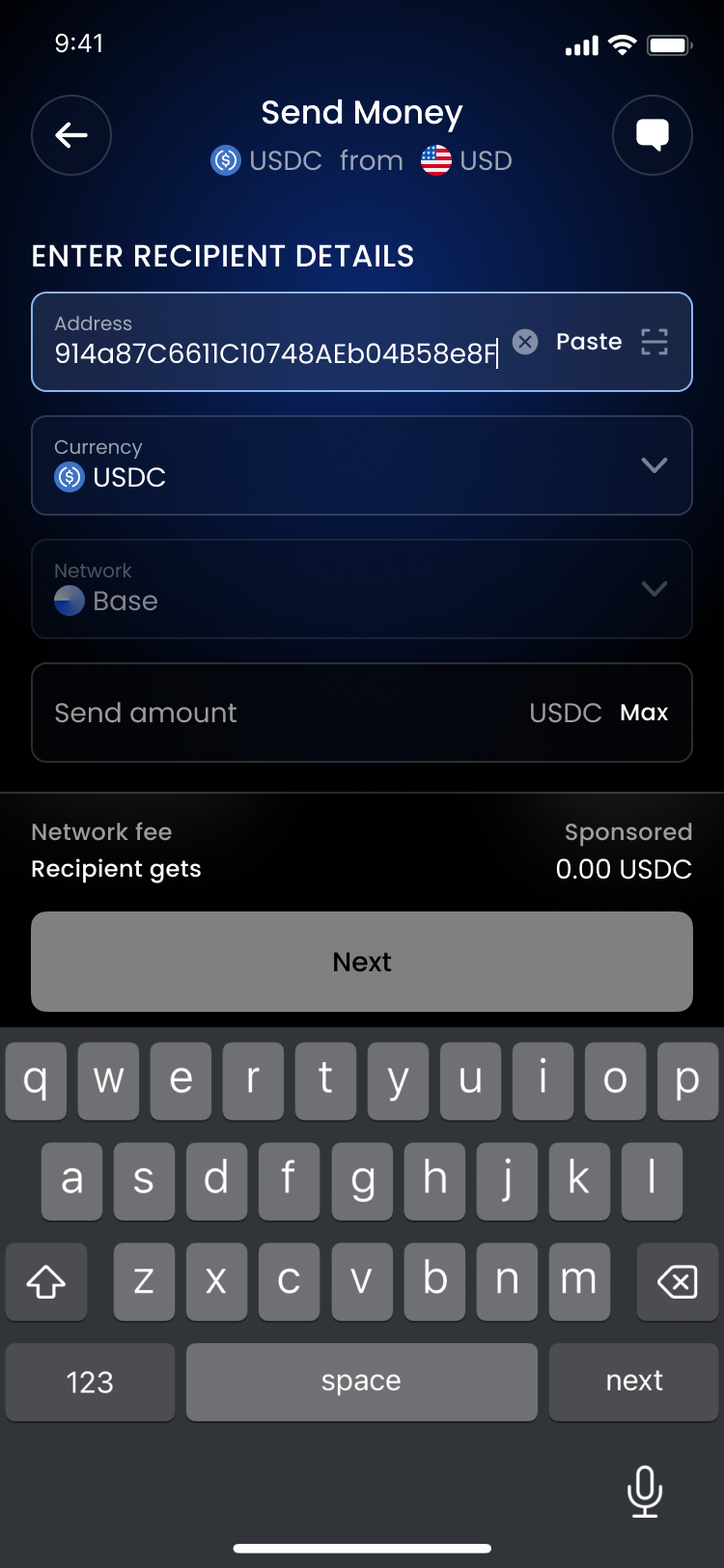
- Select the Amount: Specify how much you want to withdraw.
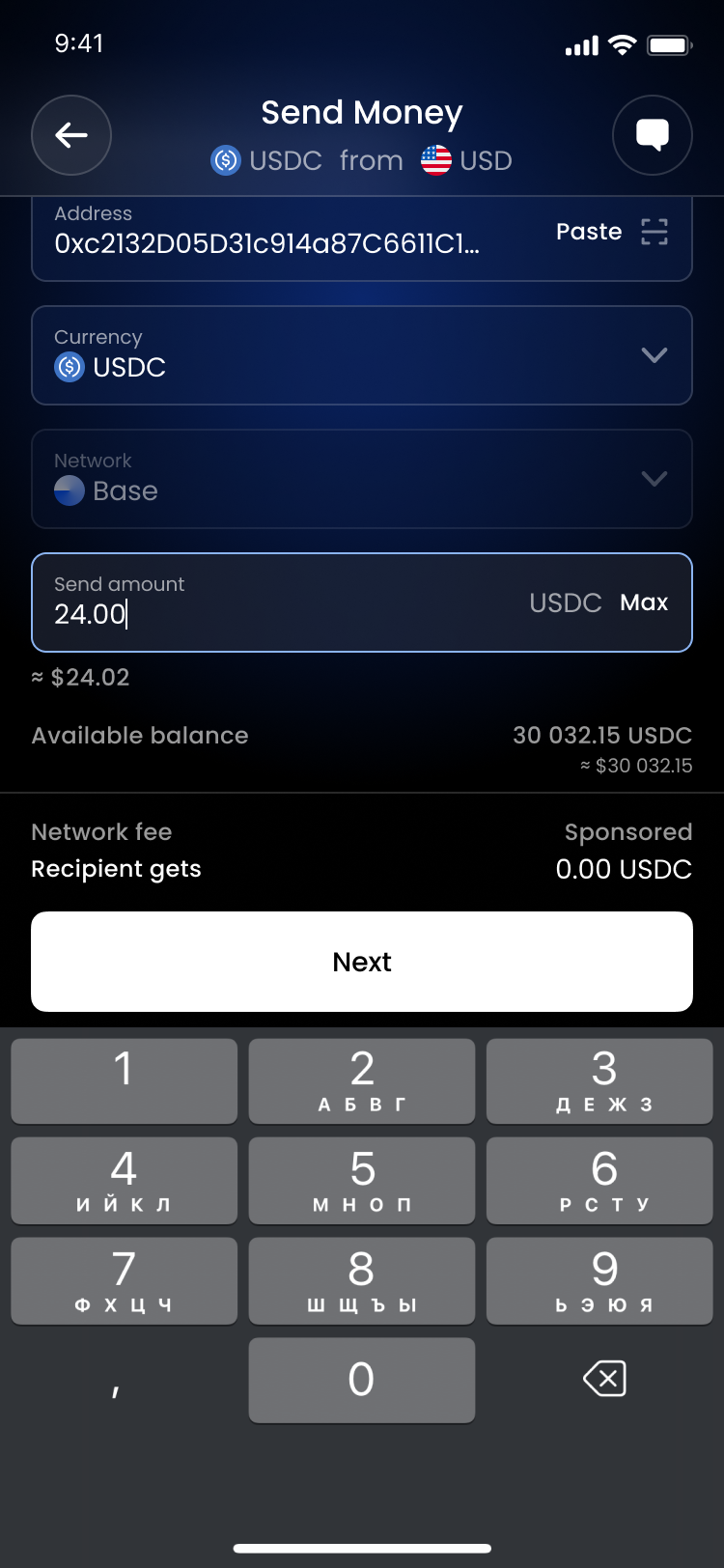
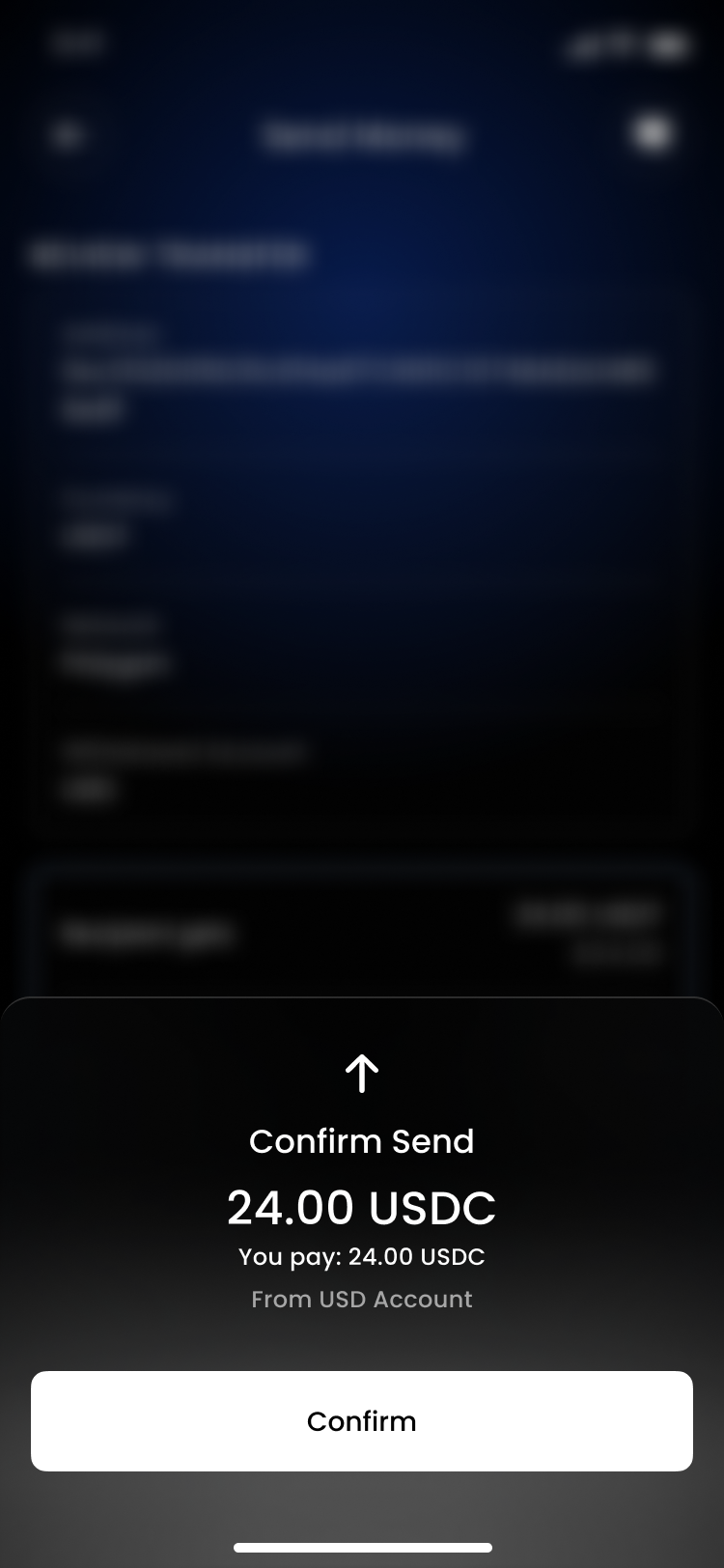
- Confirm Your Transfer: After filling in all the details, press "Send" and confirm your transaction. You will receive a notification once the transfer is complete.
2. Bank Transfer
If you prefer to withdraw funds directly to your bank account, you can easily do so with a bank transfer. Follow these steps:
- Navigate to the Banking Tab: Just like with crypto withdrawals, start by logging into your account and going to the Banking tab.
- Press "Send": Click the "Send" button to begin the process.
- Choose "Bank Account": Select this option to withdraw funds to your bank.
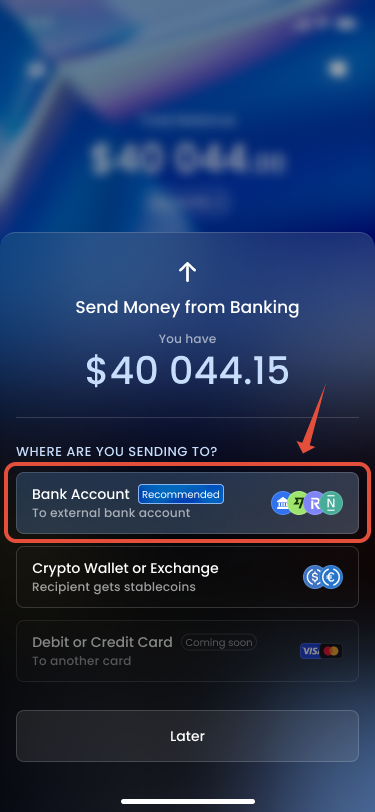
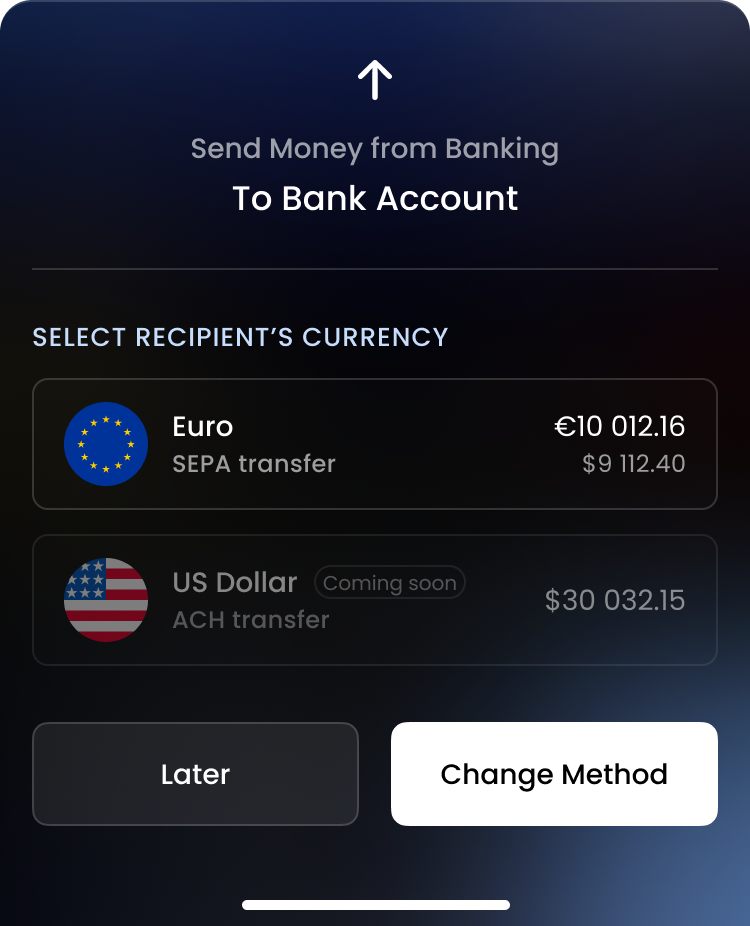
- Select Recipient Currency: Choose the currency you want to send to your bank account.
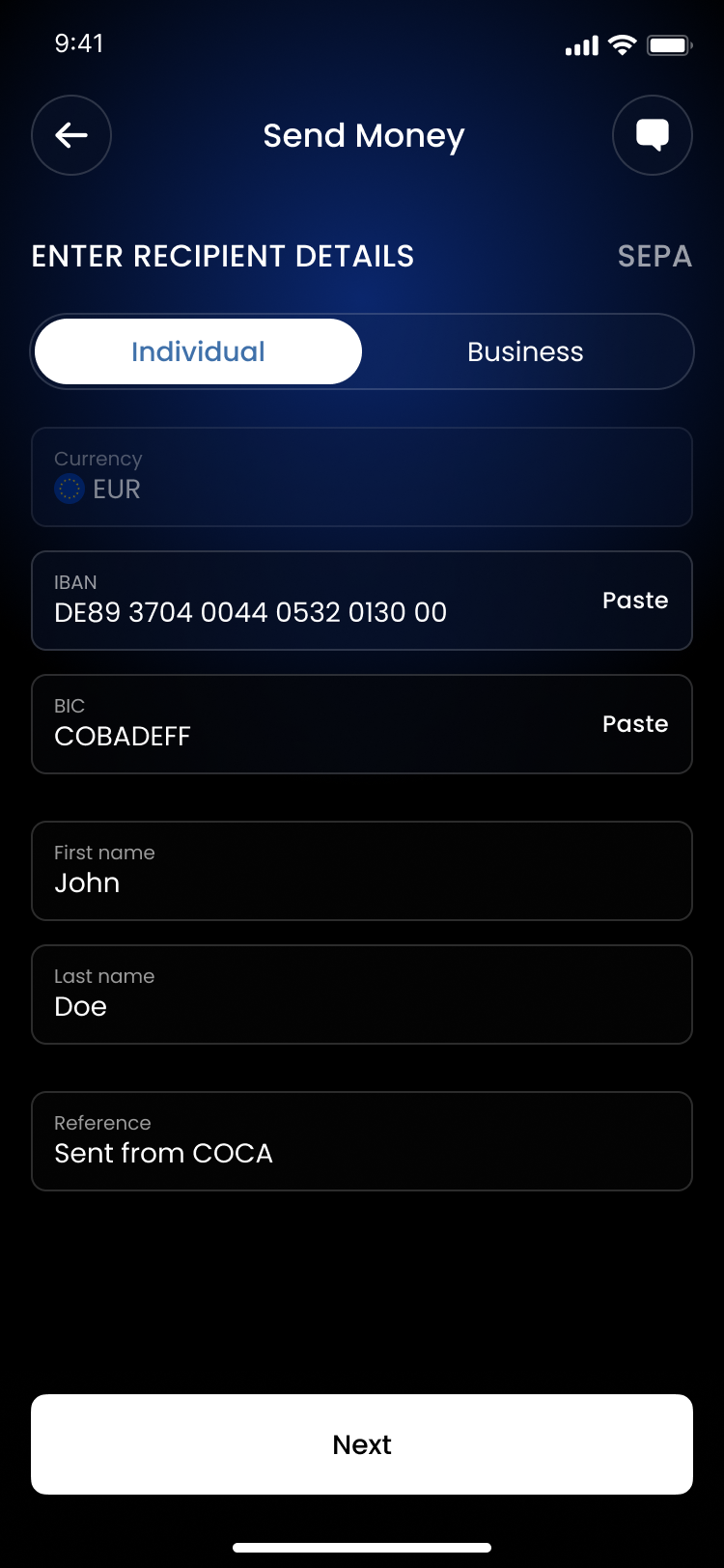
- Fill in Recipient Details: Enter the necessary details for your bank account, including the account number and any other required information.
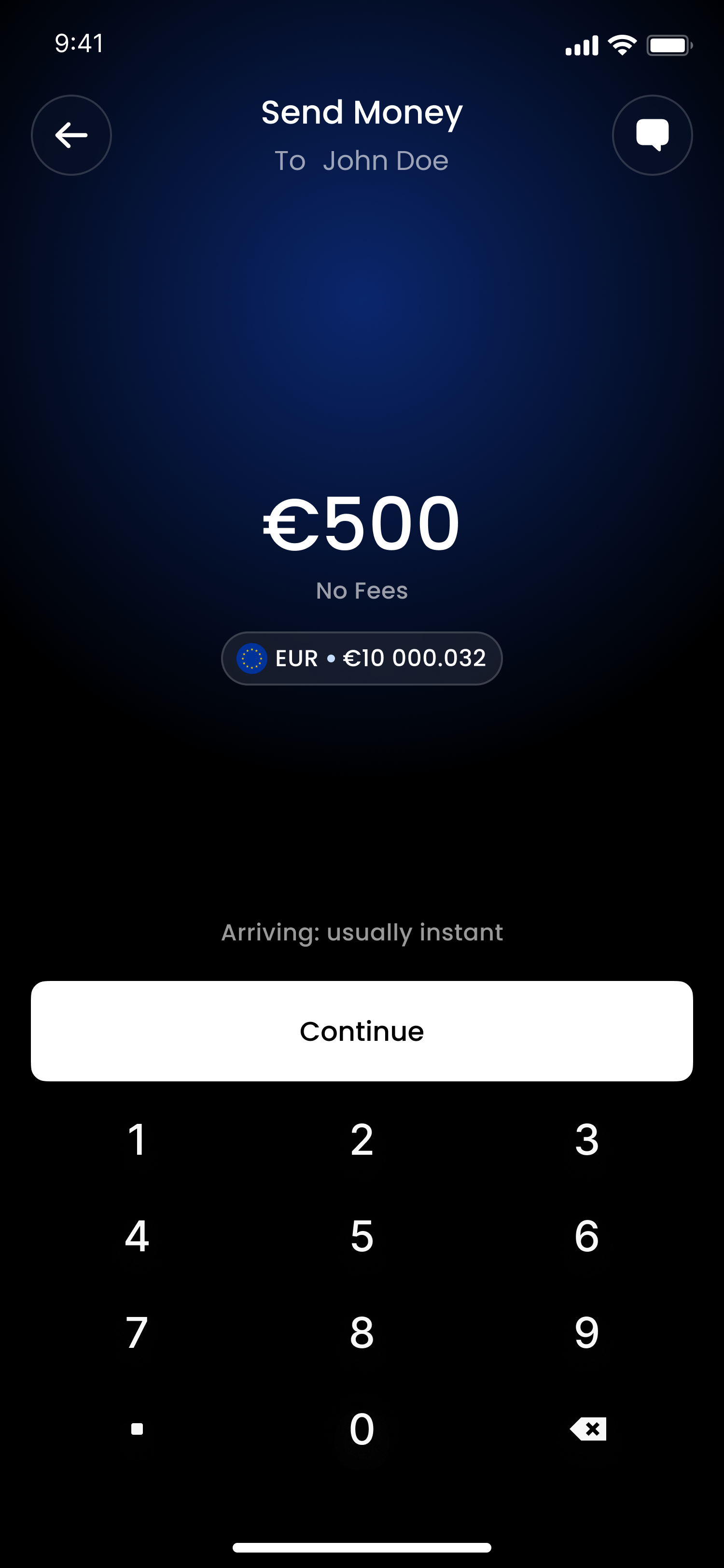
 - Select the Amount: Indicate how much you wish to withdraw.
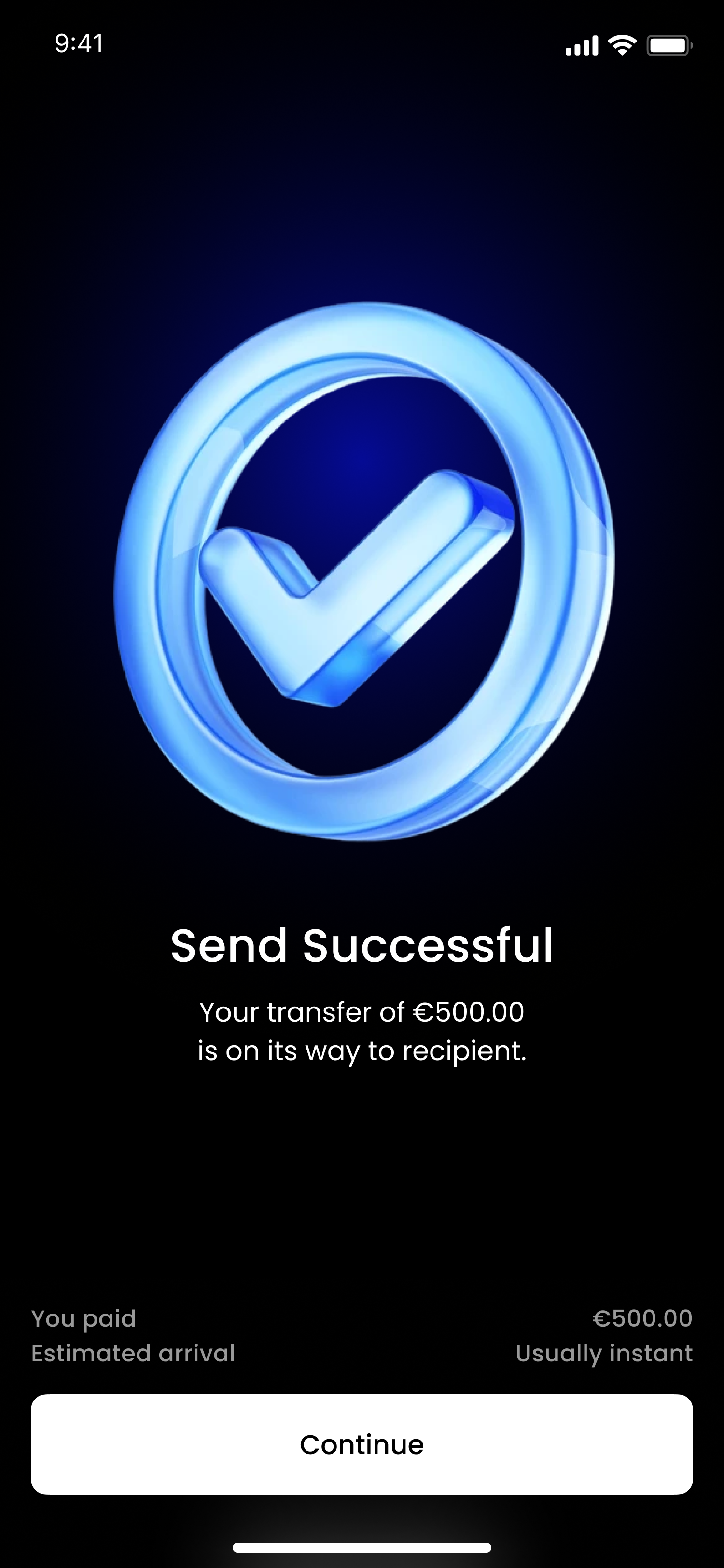
 - Confirm Your Transfer: Once all details are filled in, press "Send" and confirm your transaction. You will receive a confirmation once the funds are on their way to your bank.
By following these steps, you can easily withdraw your funds using either method. If you have any questions or encounter any issues during the process, feel free to reach out to our customer support team for assistance!
Was this article helpful?
That’s Great!
Thank you for your feedback
Sorry! We couldn't be helpful
Thank you for your feedback
Feedback sent
We appreciate your effort and will try to fix the article