Step-by-step guide:
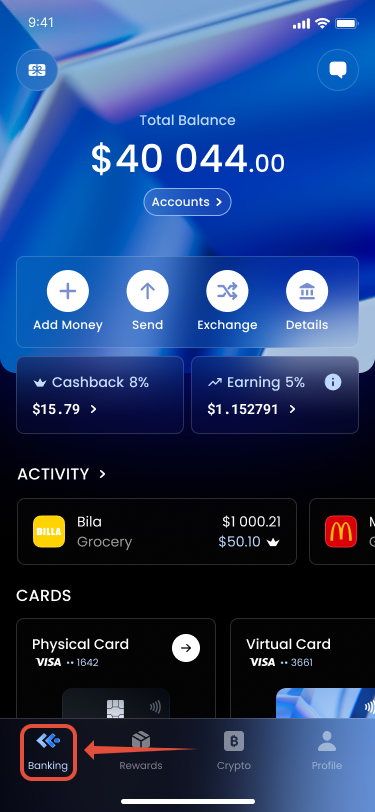
1. Open the Banking tab.
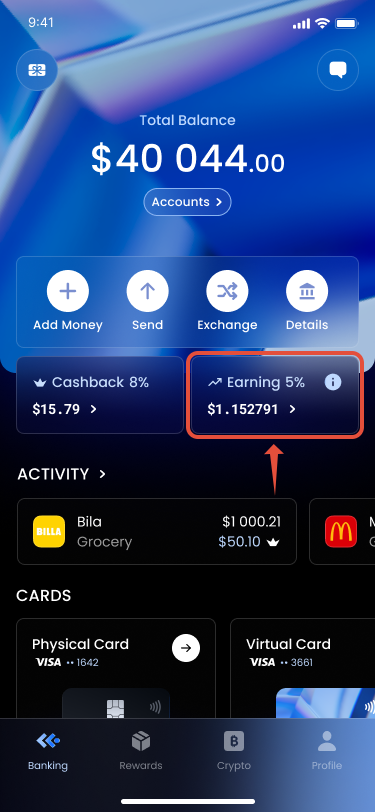
2. Tap Earnings.
3. Press Claim to transfer earned APY to your balance.

Additional Details
- APY rewards accumulate automatically based on your eligible holdings.
- Claiming APY moves the rewards instantly to your available COCA balance.
Was this article helpful?
That’s Great!
Thank you for your feedback
Sorry! We couldn't be helpful
Thank you for your feedback
Feedback sent
We appreciate your effort and will try to fix the article