Sometimes, transactions may fail with the message: "Insufficient funds," even if your total balance appears adequate in the Banking tab. It’s important to ensure that you have sufficient funds in one of your specific card accounts such as USDC or EURC, since the system cannot combine funds from different accounts.
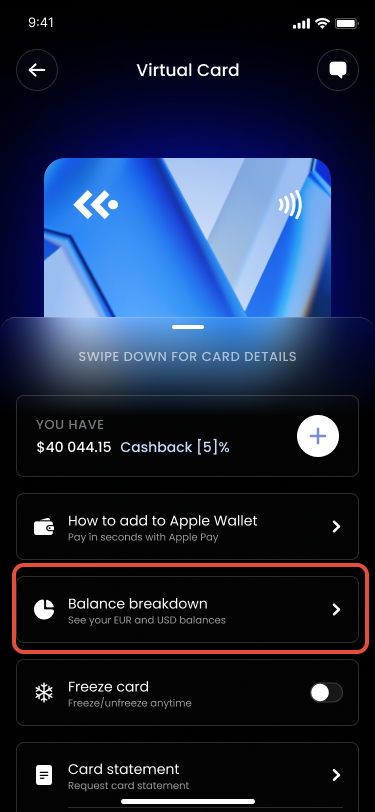
To confirm that you have enough funds, please check the balance breakdown in your Card settings:
1. Tap on your card.
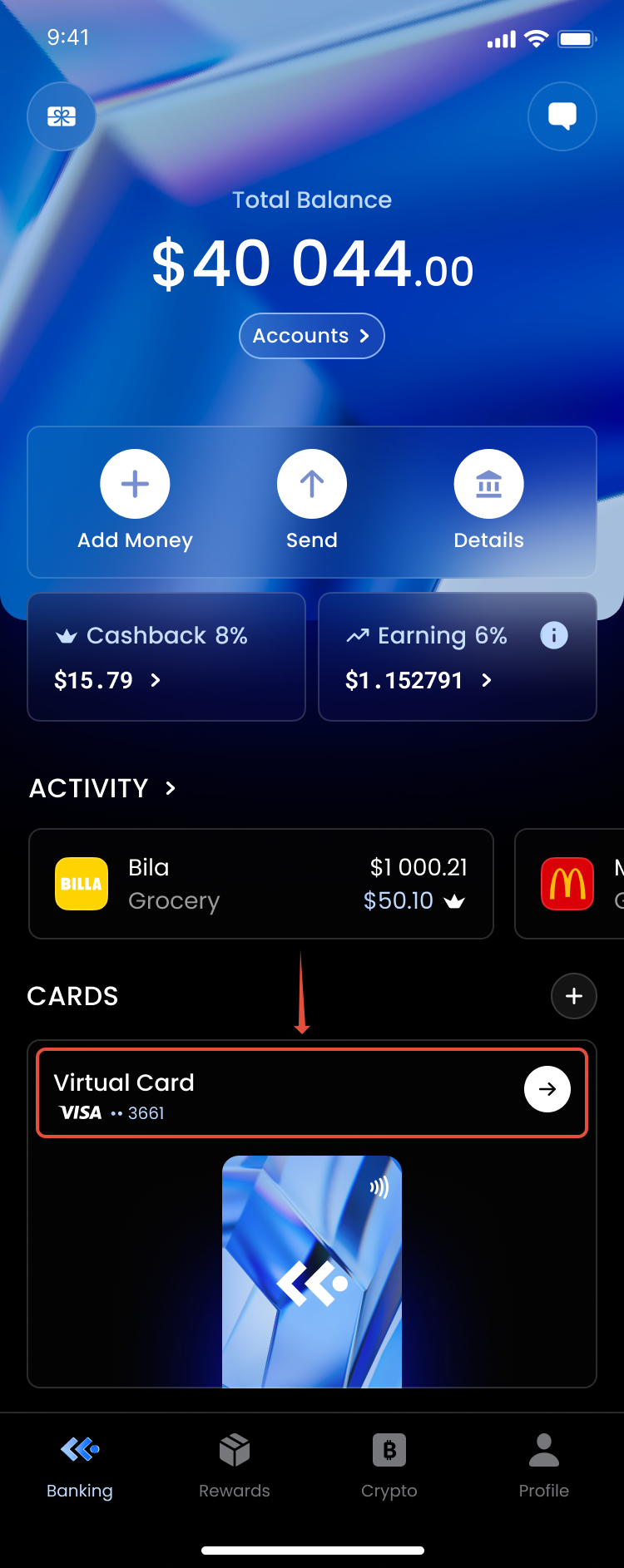
2. Tap on Balance Breakdown.
If you have enough funds but you still see a message regarding "Insufficient funds", please submit a ticket and our team will assist you.
Was this article helpful?
That’s Great!
Thank you for your feedback
Sorry! We couldn't be helpful
Thank you for your feedback
Feedback sent
We appreciate your effort and will try to fix the article